5 Best Forex Trading Platforms in 2026

Discover the 5 Best Forex Trading Platforms for 2026 – Explore top-rated platforms that provide access to a wide range of currency pairs, including major, minor, and exotic options. These brokers and platforms combine user-friendly interfaces, advanced charting tools, and secure trade execution, empowering both beginner and professional traders to navigate the forex market efficiently and execute trades with confidence.
What is a Forex Trading Platform?
A forex trading platform is the software you use to actually buy and sell currencies. Think of it as the cockpit between you and the market. It’s where you place trades, read charts, set stop losses, and track your positions. Most brokers offer either MetaTrader 4, MetaTrader 5, or their own built-in platform, and the difference between a good one and a bad one matters more than most beginners realise. A clunky, confusing platform will cost you money just through mistakes alone.
5 Best Forex Trading Platforms (2026)
- MetaTrader 4 – Overall, the Best Forex Trading Platform.
- MetaTrader 5 – Built-in economic calendar for fundamental analysis.
- Doto – Modern interface designed for ease of use and efficiency.
- cTrader – Supports automated trading through cAlgo (cTrader Automate).
- TradingView – Alerts and notifications for price movements and technical conditions.
Top 10 Forex Brokers (Globally)
1. MetaTrader 4
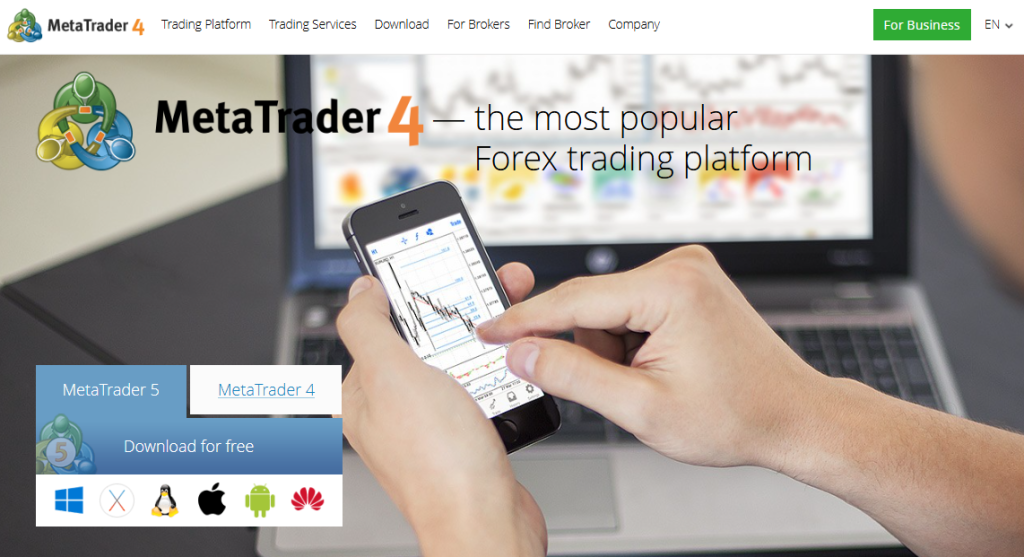
MetaTrader 4 (MT4) is widely recognized as one of the most reliable trading platforms worldwide. It combines advanced charting, flexible order execution, and automated trading tools, allowing both beginners and professional traders to execute strategies efficiently while staying connected through desktop, web, and mobile devices.
| Feature | Description | Platforms | Accessibility |
| Trading Instruments | Forex CFDs | Desktop Web Mobile | Global |
| Order Types | Market Pending Stop Trailing | Desktop Mobile | Flexible |
| Technical Tools | 30 Indicators 23 Objects | Desktop Mobile | Customizable |
| Automation | Expert Advisors (EAs) | Desktop | Algorithmic Trading |
Frequently Asked Questions
What types of orders can I place with MetaTrader 4?
MT4 supports multiple execution modes, including 2 market orders, 4 pending orders, 2 stop orders, and trailing stops. These options give traders full control over strategy implementation, ensuring flexibility in both short-term and long-term trading.
Does MetaTrader 4 offer technical analysis tools?
Yes, MT4 provides 30 built-in technical indicators, 23 analytical objects, and access to thousands of custom tools via the Code Base and Market. Traders can combine these tools to perform detailed technical analysis and enhance decision-making.
Key FAQ:
Is MetaTrader 4 Safe?
Yes – MetaTrader 4 is safe. MetaTrader 4 is a globally recognized trading platform developed by MetaQuotes Software Corp. and widely used by reputable brokers around the world. It offers advanced charting tools, automated trading capabilities, and strong security features, making it a trusted and reliable choice for traders of all experience levels.
Pros and Cons
| ✓ Pros | ✕ Cons |
| User-friendly interface | Slightly outdated design |
| Supports automated trading | Limited to forex and CFDs |
| Mobile and desktop compatibility | Fewer native chart types than MT5 |
| Extensive custom indicators | No integrated social trading |
| Flexible order execution | Basic news and economic tools |
Our Insights
MetaTrader 4 remains a top choice for forex and CFD trading. Its comprehensive analytics, automated trading capabilities, flexible execution options, and mobile support make it ideal for all experience levels, empowering traders to navigate markets confidently and efficiently.
Forex Broker offering MetaTrader 4:
 | Minimum Deposit: $10 Regulated by: ASIC, BaFin, CMA, CySEC, DFSA, FCA, SCB 73-89 % of retail investor accounts lose money when trading CFDs Crypto Yes (only CFDs) |
2. MetaTrader 5
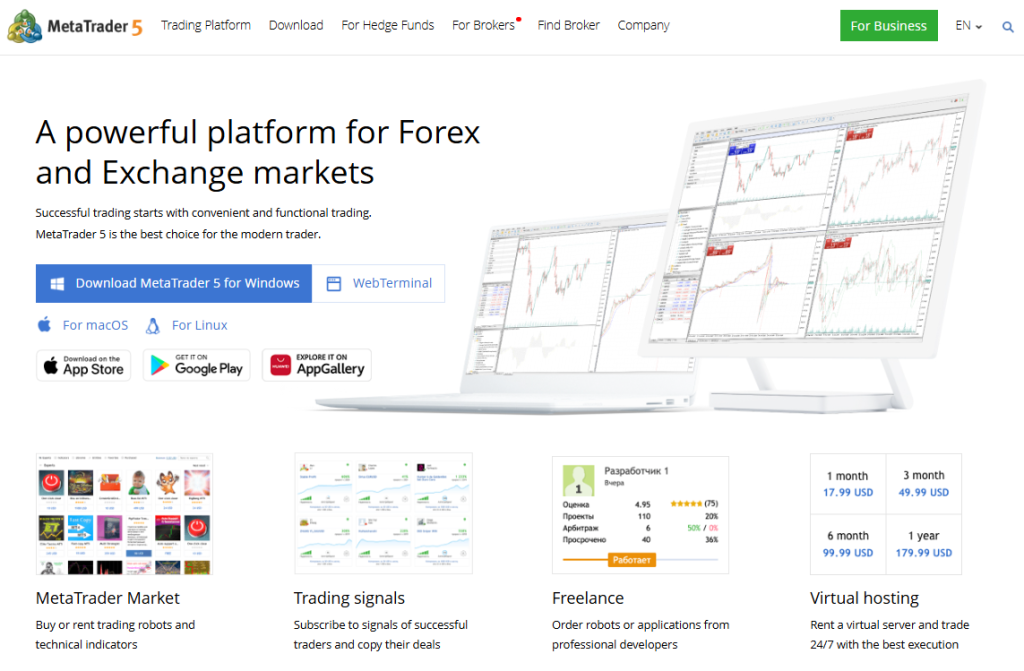
MetaTrader 5 (MT5) is recognized as a versatile, next-generation trading platform. It supports forex, stocks, and futures while offering advanced order types, multiple execution modes, and Market Depth analysis. Both beginners and professional traders benefit from its extensive charts, indicators, automation tools, and seamless mobile and web access.
| Feature | Description | Platforms | Accessibility |
| Trading Instruments | Forex Stocks Futures | Desktop Web Mobile | Global |
| Order Types | Netting Hedging Market Pending | Desktop Mobile | Flexible |
| Technical Tools | 100 Charts 21 Timeframes 80+ Indicators | Desktop Mobile | Customizable |
| Automation | Expert Advisors via MQL5 | Desktop | Algorithmic Trading |
Frequently Asked Questions
What’s the difference between MT5 and MT4?
MT5 supports more asset classes, additional timeframes, integrated fundamental analysis tools, and an advanced strategy tester. These upgrades provide traders with greater flexibility, better analytics, and enhanced trading efficiency compared to MT4.
Can I automate trades with MT5?
Yes, MT5 allows automated trading via Expert Advisors (EAs) programmed in MQL5. This enables traders to run sophisticated strategies, backtest algorithms, and execute trades without manual intervention.
Key FAQ:
Is MetaTrader 5 Safe?
Yes – MetaTrader 5 is safe. MetaTrader 5 is a modern, multi-asset trading platform developed by MetaQuotes Software Corp. and used by regulated brokers worldwide. It offers advanced charting, faster execution, automated trading features, and enhanced analytical tools, making it a reliable and trusted platform for both beginner and experienced traders.
Pros and Cons
| ✓ Pros | ✕ Cons |
| Multi-asset trading | Can be complex for beginners |
| Advanced analytics and charts | Slightly heavier software |
| Supports algorithmic trading | More features may overwhelm new users |
| Integrated economic calendar | Fewer brokers support MT5 than MT4 |
| Web, desktop, and mobile access | Some third-party apps are paid |
Our Insights
MetaTrader 5 offers a comprehensive, professional-grade trading experience. Its multi-asset support, advanced analytics, automation features, and cross-platform access make it ideal for both discretionary and algorithmic traders, delivering a flexible and scalable solution for modern financial markets.
Forex Broker offering MetaTrader 5:
 | Minimum Deposit: $100 Regulated by: CBI, BVI, FSC, ASIC, FSCA, JFSA, FFAJ Crypto: Yes |
3. Doto
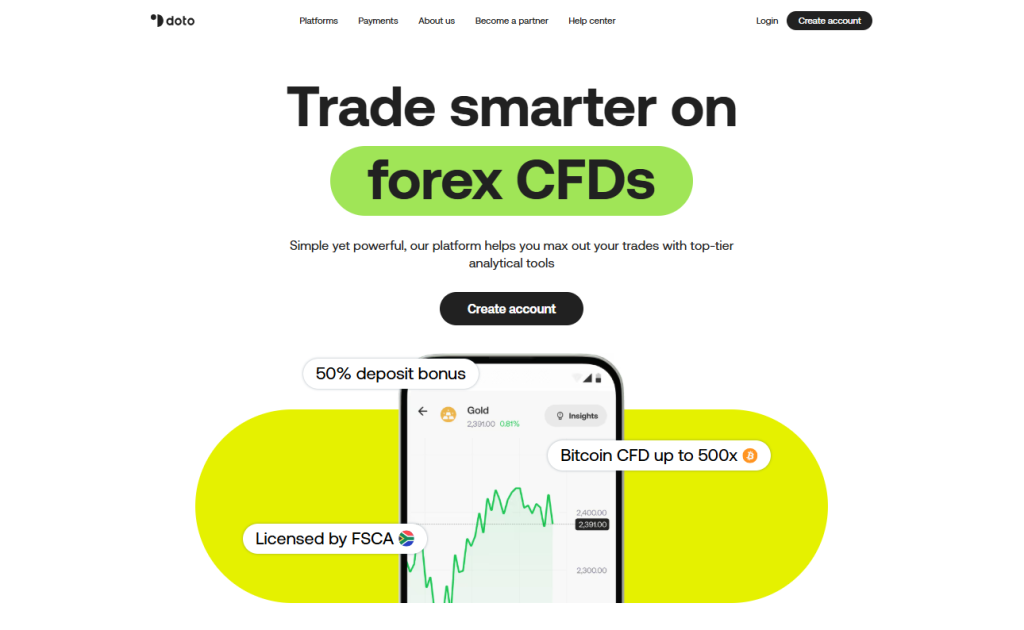
Doto delivers a modern, all-in-one trading platform for CFDs across forex, stocks, crypto, commodities, and indices. It combines high leverage, fast execution, and advanced analytics, giving both beginner and professional traders the tools to plan trades effectively, manage risk, and access global markets with confidence.
| Feature | Description | Platforms | Accessibility |
| Trading Instruments | Forex Stocks Crypto Commodities Indices | Desktop Web Mobile | Global |
| Leverage | Up to 500x | Desktop Mobile | Flexible |
| Trading Tools | Analytics Economic Calendar Stop Loss Take Profit | Desktop Mobile | Real-Time |
| Regulation | 🇿🇦 FSCA 🇲🇺 FSC FinaCom Member | Desktop Mobile | Secure |
Frequently Asked Questions
What types of instruments can I trade on Doto?
Doto offers a wide range of CFDs, including forex, stocks, cryptocurrencies, commodities, and indices. Traders can access both popular and emerging instruments, taking advantage of leverage and tight spreads to maximize trading opportunities across multiple markets.
Is Doto safe and regulated?
Yes, Doto operates under licenses from 🇿🇦 FSCA and 🇲🇺 FSC, with membership in FinaCom providing compensation protection up to €20,000. Client funds are segregated in top-tier banks, and negative balance protection ensures traders never lose more than their account balance.
Key FAQ:
Is Doto Safe?
Yes – Doto is safe. Doto is a regulated trading platform that operates under recognized financial authorities and provides secure trading services to clients globally. It offers user-friendly platforms, a range of tradable instruments, and reliable customer support, making it a trustworthy and dependable choice for traders.
Pros and Cons
| ✓ Pros | ✕ Cons |
| Offers trading tools like Trading Central signals, economic calendar, and risk controls | Limited base currency options |
| Proprietary platform plus MT4 and MT5 | Swap fees can be expensive for longer-term positions on some instruments |
| Offers forex, stocks, crypto, commodities, indices, ETFs | Not available in major markets like the US, UK, EU, Canada, Australia, and others |
| Low $15 minimum deposit for Standard account | Raw account requires higher $200 minimum deposit |
| Deposit bonus up to 50% on first $1,000 and 20% thereafter (max $5,000) | Inactivity fee of $15 per month after 6 months of inactivity |
Our Insights
Doto combines cutting-edge trading technology, broad CFD access, and robust risk management features. Its strong regulatory oversight, fast execution, and mobile-ready platform make it ideal for traders seeking a secure, flexible, and efficient environment for both manual and automated trading strategies.
Get in Touch with Doto:
 | Minimum Deposit: $15 Regulated by: CySEC, FSC, FSCA, FSA Crypto: Yes |
4. cTrader
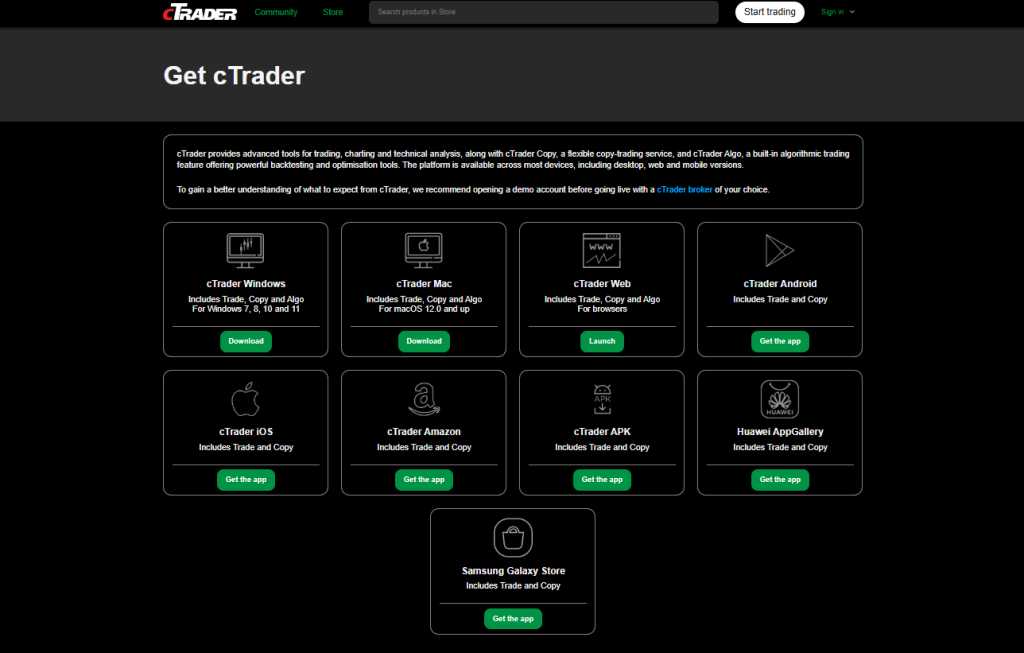
cTrader is a premium trading platform designed for forex and CFD traders seeking speed, precision, and customization. It offers advanced charting, Level 2 pricing, multiple order types, and automation capabilities, enabling both beginners and professional traders to execute strategies efficiently across desktop, web, and mobile.
| Feature | Description | Platforms | Accessibility |
| Trading Instruments | Forex CFDs | Desktop Web Mobile | Global |
| Order Types | Market Pending Stop Advanced | Desktop Mobile | Flexible |
| Automation | cTrader Algo Open API FIX API | Desktop | Algorithmic Trading |
| Copy Trading | cTrader Copy | Desktop Mobile | Real-Time |
Frequently Asked Questions
What makes cTrader different from other trading platforms?
cTrader provides Level 2 pricing, advanced order types, and access to the FIX API and Open API for free. This transparency and customizability give traders more control, making it easier to develop strategies, execute trades, and manage risk effectively.
Can I automate trades on cTrader?
Yes, cTrader supports automation via cTrader Algo. Traders can develop, test, and deploy trading bots using C#, allowing algorithmic strategies to run efficiently alongside manual trading approaches.
Key Faq:
Is cTrader Safe?
Yes – cTrader is safe. cTrader is a professional-grade trading platform developed by Spotware Systems Ltd and used by many regulated brokers worldwide. It is known for its transparent pricing, fast execution, advanced charting tools, and algorithmic trading capabilities, making it a trusted and reliable platform for traders of all levels.
Pros and Cons
| ✓ Pros | ✕ Cons |
| Advanced charting tools | Steeper learning curve for beginners |
| Level 2 pricing | Limited broker availability |
| Automation with C# | No native social trading community |
| Copy trading feature | Fewer integrated fundamental tools |
| Web, desktop, and mobile access | Can be resource-heavy on older devices |
Our Insights
cTrader delivers a high-performance, flexible trading ecosystem. Its combination of advanced charting, automation tools, copy trading, and developer-friendly APIs makes it ideal for manual and algorithmic traders, providing a professional-grade platform that adapts to a wide range of trading styles.
Forex Broker offering cTrader:
 | Minimum Deposit: $0 Regulated by: FMA Crypto: Yes |
TradingView
TradingView is a globally recognized charting platform that combines powerful technical tools with a vibrant social network. Supporting stocks, crypto, forex, and indices, it allows traders to analyze markets, share ideas, and execute trades directly with supported brokers, making it ideal for both beginners and professionals.
| Feature | Description | Platforms | Accessibility |
| Trading Instruments | Stocks Forex Crypto Indices | Desktop Web Mobile | Global |
| Charting Tools | Real-time charts Pine Script indicators | Desktop Web Mobile | Customizable |
| Social Trading | Community ideas and collaboration | Desktop Web Mobile | Real-Time |
| Broker Integration | Direct trading via supported brokers | Desktop Web Mobile | Seamless |
Frequently Asked Questions
Is TradingView free to use?
Yes, TradingView offers a free plan with access to charts and basic indicators. Advanced tools and additional features are available through Pro, Pro+, or Premium subscriptions, providing traders with more analytical flexibility and customizability.
Can I trade directly on TradingView?
Yes, TradingView integrates with multiple brokers, allowing users to place trades directly from the chart interface. This enables seamless execution while using TradingView’s advanced charting, indicators, and alerts for real-time decision-making.
Key FAQ:
Is TradingView Safe?
Yes – TradingView is safe. TradingView is a widely trusted platform used by millions of traders globally for charting, analysis, and social trading insights. It offers powerful technical analysis tools, real-time data, and integration with reputable brokers, making it a reliable and popular choice for traders of all experience levels.

Pros and Cons
| ✓ Pros | ✕ Cons |
| Powerful charting tools | Advanced features require paid plans |
| Community-driven insights | Direct trading limited to supported brokers |
| Supports multiple asset classes | No built-in execution for all markets |
| Cross-device access | Can be overwhelming for beginners |
| Customizable indicators via Pine Script | Social features may distract |
Our Insights
TradingView combines world-class charting with a social, community-driven environment. Its cross-device access, Pine Script customizations, and broker integrations make it ideal for both analysis and trading, offering a flexible, collaborative, and visually intuitive experience for traders of all levels.
Forex Broker offering TradingView:
 | Minimum Deposit: $0 Regulated by: SEC, FINRA, FCA, ASIC Crypto: No |
Are forex trading platforms safe?
The platform itself is rarely the problem; it’s the broker sitting behind it that you really need to scrutinise. MT4 could be the most trusted software in the world, but if the broker offering it isn’t properly regulated, your money is exposed the moment you deposit. Stick with brokers regulated by recognised authorities like the FSCA, FCA, or ASIC, and verify the licence yourself rather than just taking the broker’s word for it. Beyond regulation, check what real users are saying about withdrawals, that’s where dodgy brokers show their true colours, not in the sign-up process. Look for negative balance protection, two-factor login, and SSL encryption as basics. Honestly, a slightly less fancy platform with a rock-solid, regulated broker behind it beats a sleek app run by an unregulated offshore outfit every single time.
Pros and Cons
| ✓ Pros | ✕ Cons |
| Real-time market data | Learning curve for beginners |
| Advanced charting tools | Subscription costs for premium features |
| Automated trading options | Requires stable internet connection |
| Accessible via web and mobile | Complex setups for advanced tools |
| Integration with multiple brokers | Broker compatibility limitations |
You might also like:
In Conclusion
Forex trading platforms act as the gateway to global markets. They simplify access, provide powerful tools, and cater to both beginners and professionals. Choosing the right platform ensures better execution, smooth trading, and improved decision-making.
It connects traders to the forex market and provides tools to analyze, place, and manage trades.
Many offer free versions, but advanced features may require a paid subscription or broker account.
Yes, some platforms support multi-broker connections, but others are broker-specific.
Yes, most major platforms support trading bots, scripts, or algorithmic strategies.
MetaTrader 4 and TradingView are popular beginner-friendly choices due to ease of use and wide support.
This really comes down to how you trade. MetaTrader 4 is still ridiculously popular because it’s simple, lightweight, and almost every broker supports it. A lot of traders never leave MT4. MetaTrader 5 feels more modern though. More timeframes, more built-in tools, faster backtesting, better overall functionality. Then you’ve got cTrader, which a lot of scalpers and more advanced traders love because the interface feels cleaner and execution can feel smoother. Beginners usually start with MT4 or MT5 just because there are endless tutorials online already.
Web platforms are great when you just want quick access without installing anything. Easy. Open the browser and trade. Downloadable desktop platforms usually feel more stable though, especially if you’re using indicators, bots, or multiple charts at once. That’s where serious traders spend most of their time. Mobile apps are convenient, but honestly… most experienced traders don’t rely on phones for full analysis. They use mobile mostly to monitor trades, manage positions, or react quickly when they’re away from the desk. Trying to do deep chart analysis on a tiny phone screen gets frustrating pretty fast.
Sidebar rates

Ava

